
Note: Adding intro/outro videos is only available to our Basic & Pro users.
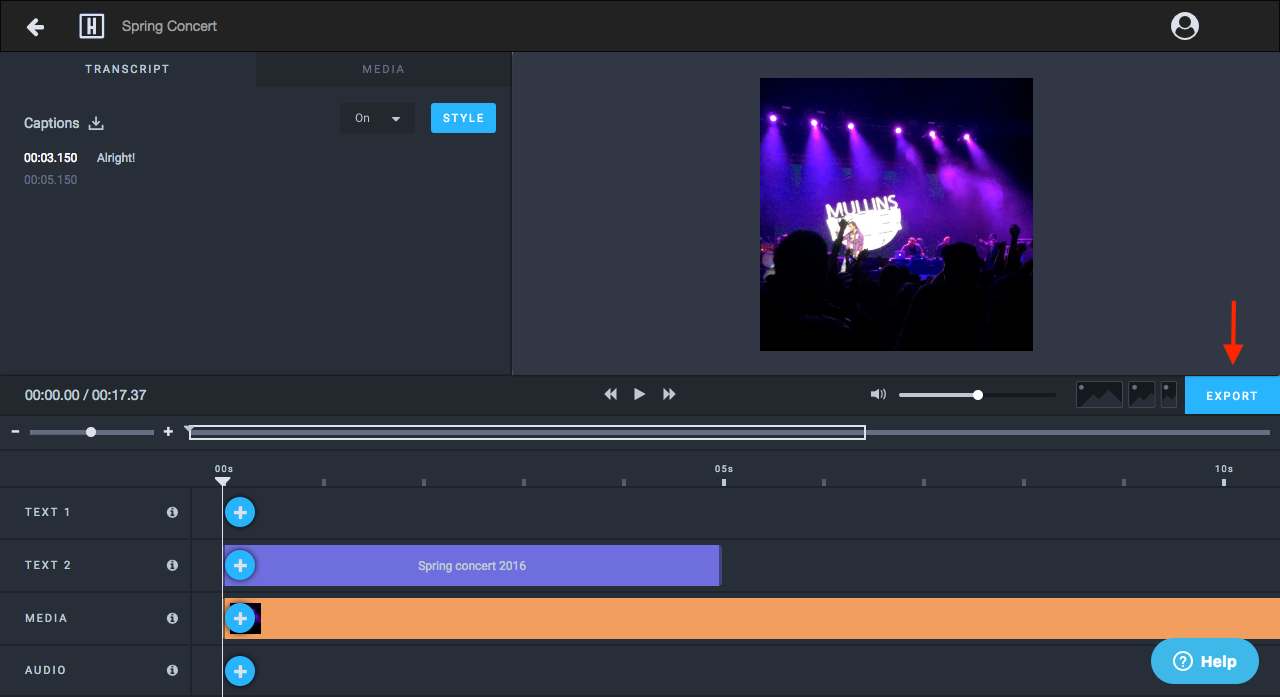
Step 1: Click EXPORT
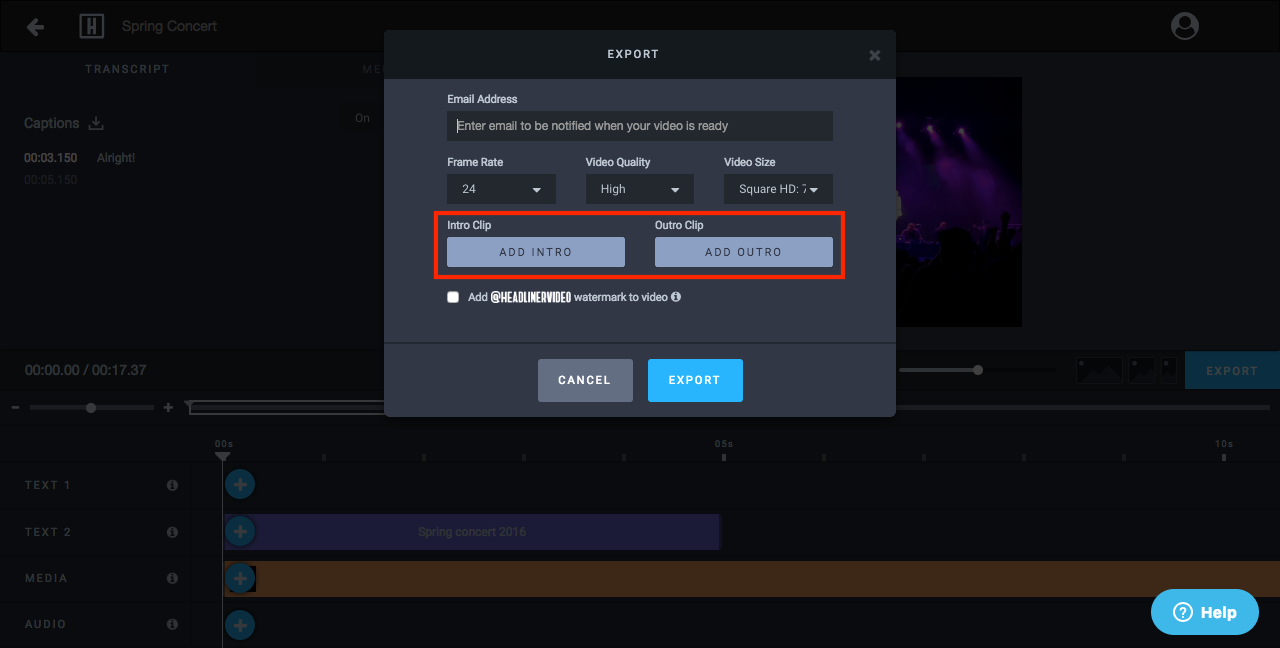
Step 2: Click ADD INTRO or ADD OUTRO
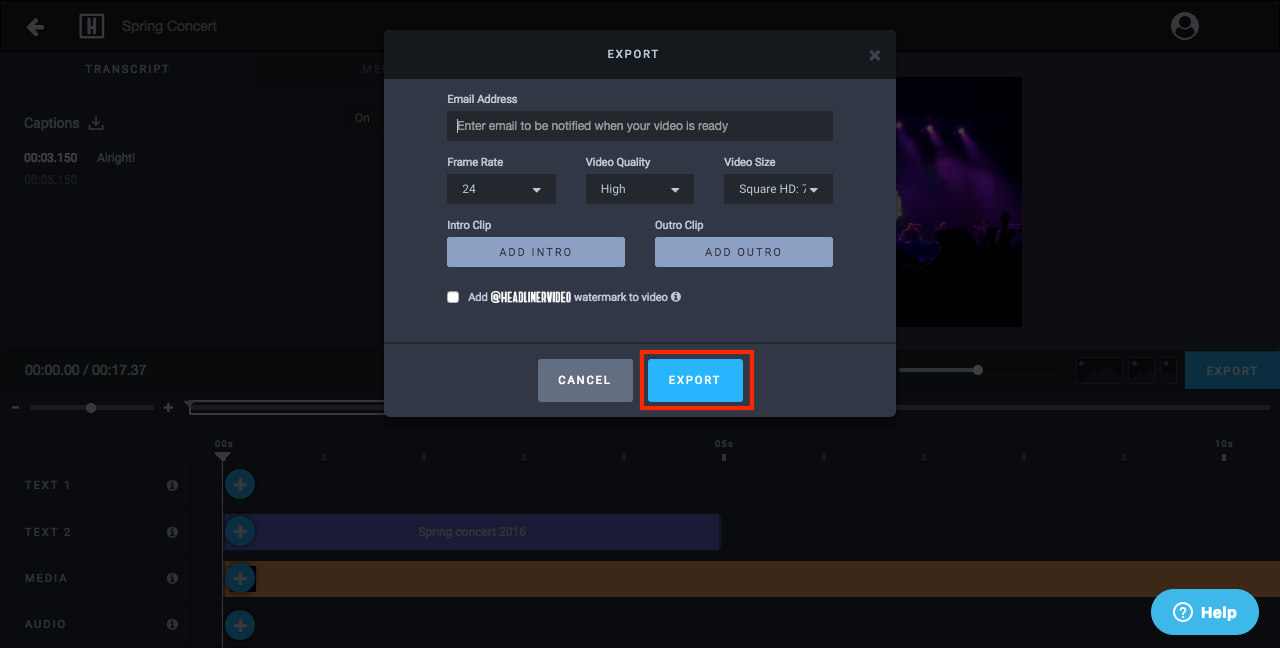
Step 3: Click EXPORT
Step 4: Your video, now complete with an intro and/or outro, will be ready to share in a few minutes!
For additional info about downloading your video for sharing, check out: How To Access and Download Your Exported Video