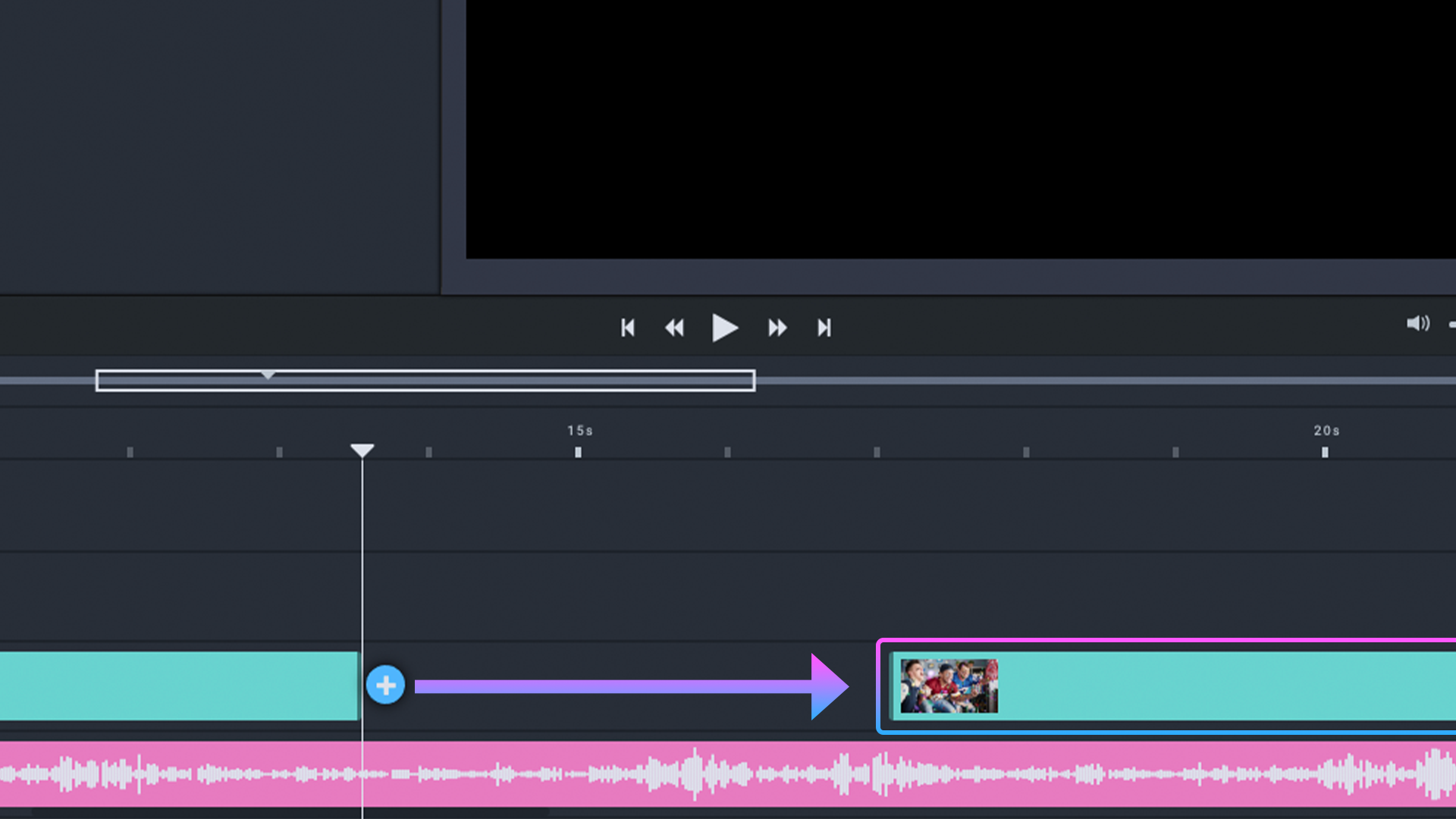
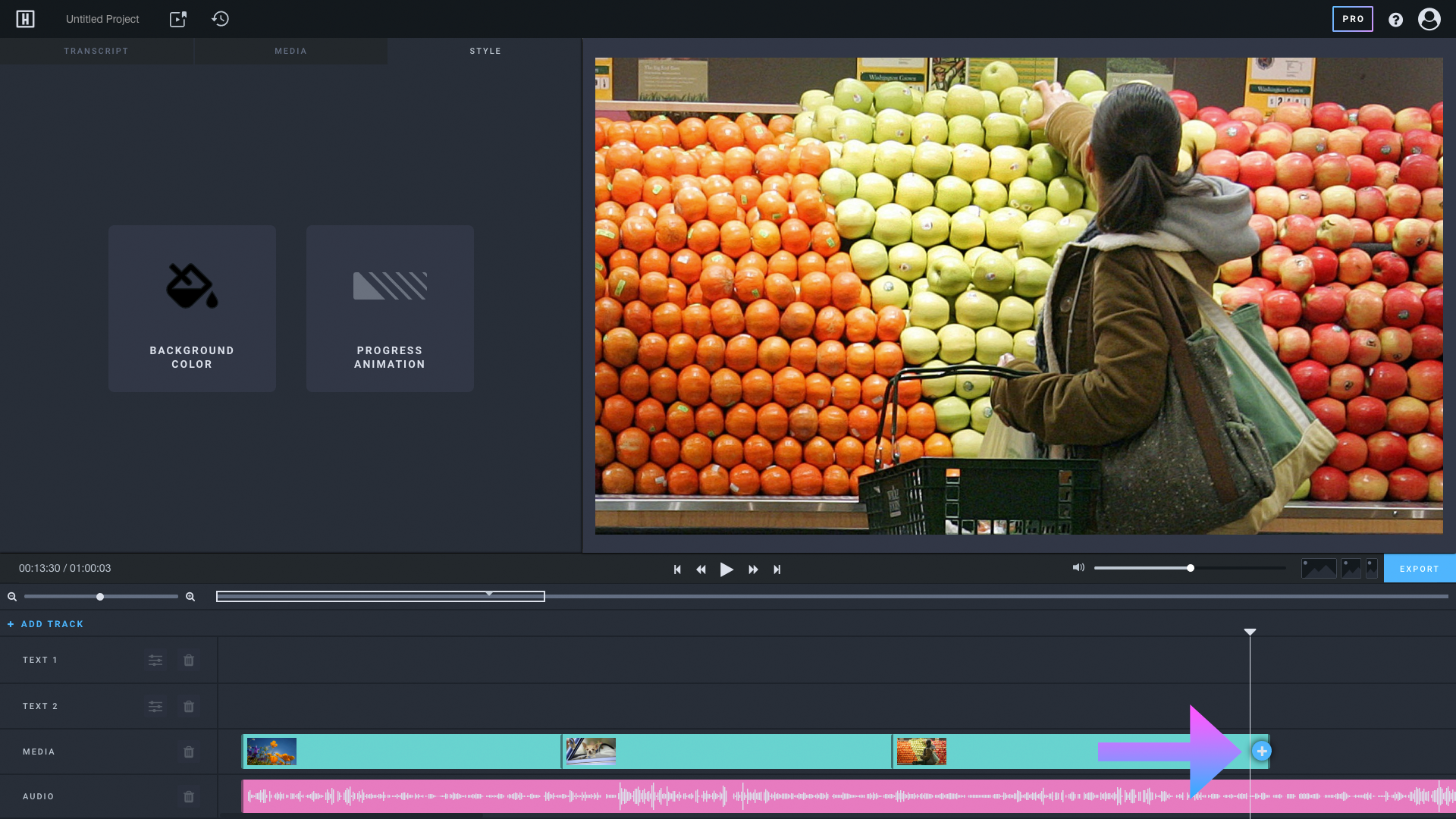
Step 1: Click on the + sign in the Media timeline
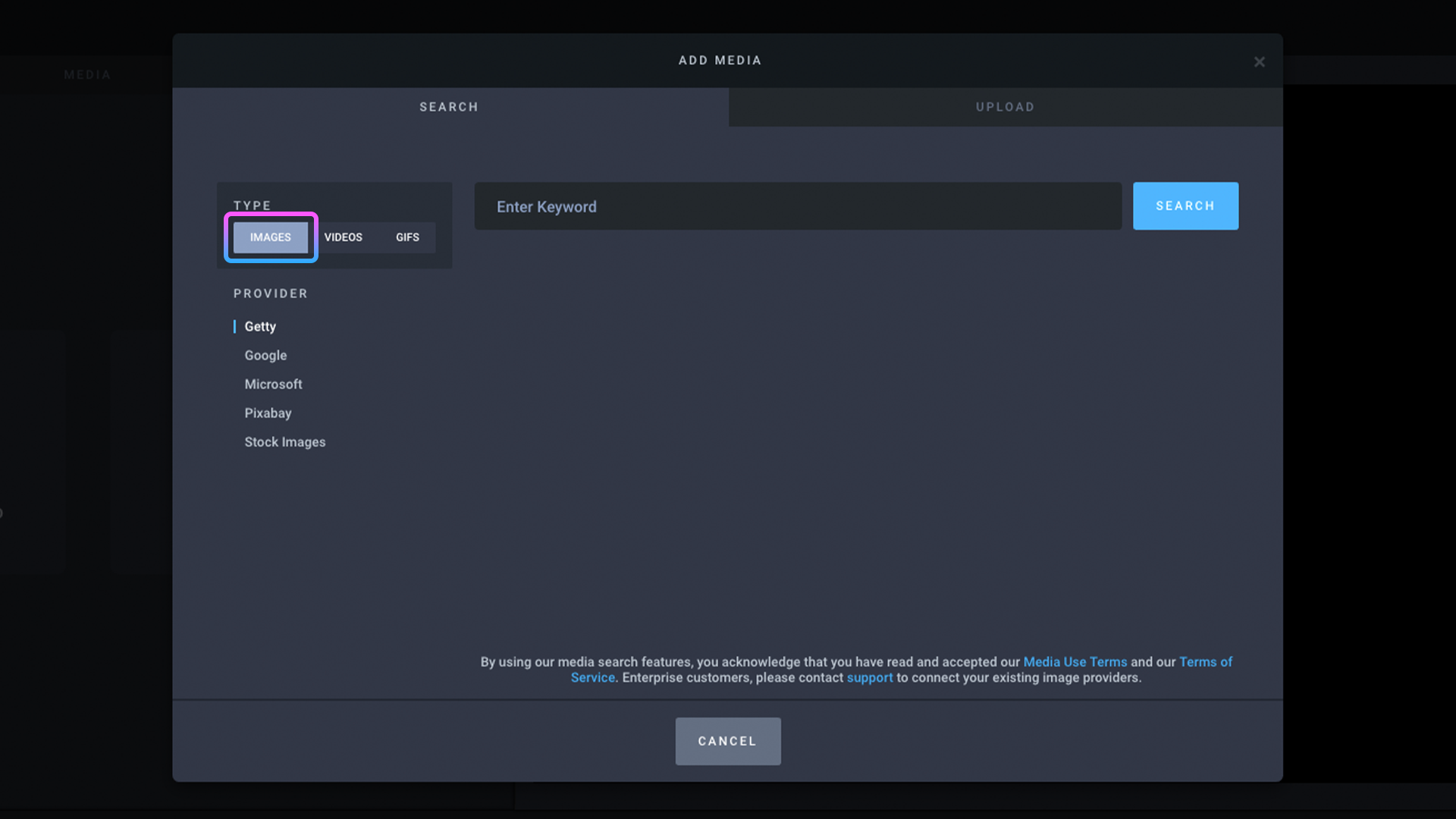
Step 2: Click IMAGES if it isn't selected
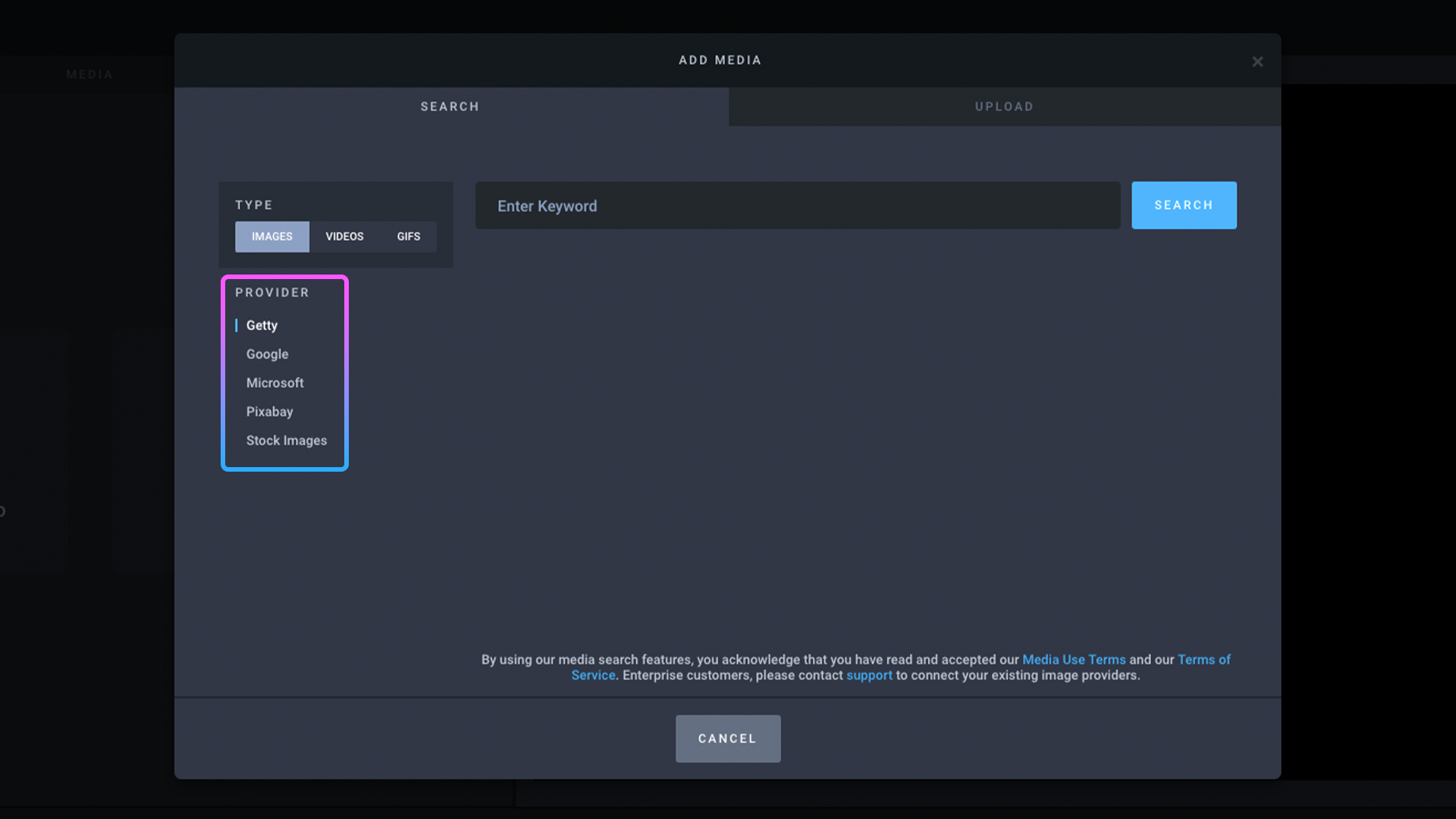
Step 3: Type in a keyword to search for videos
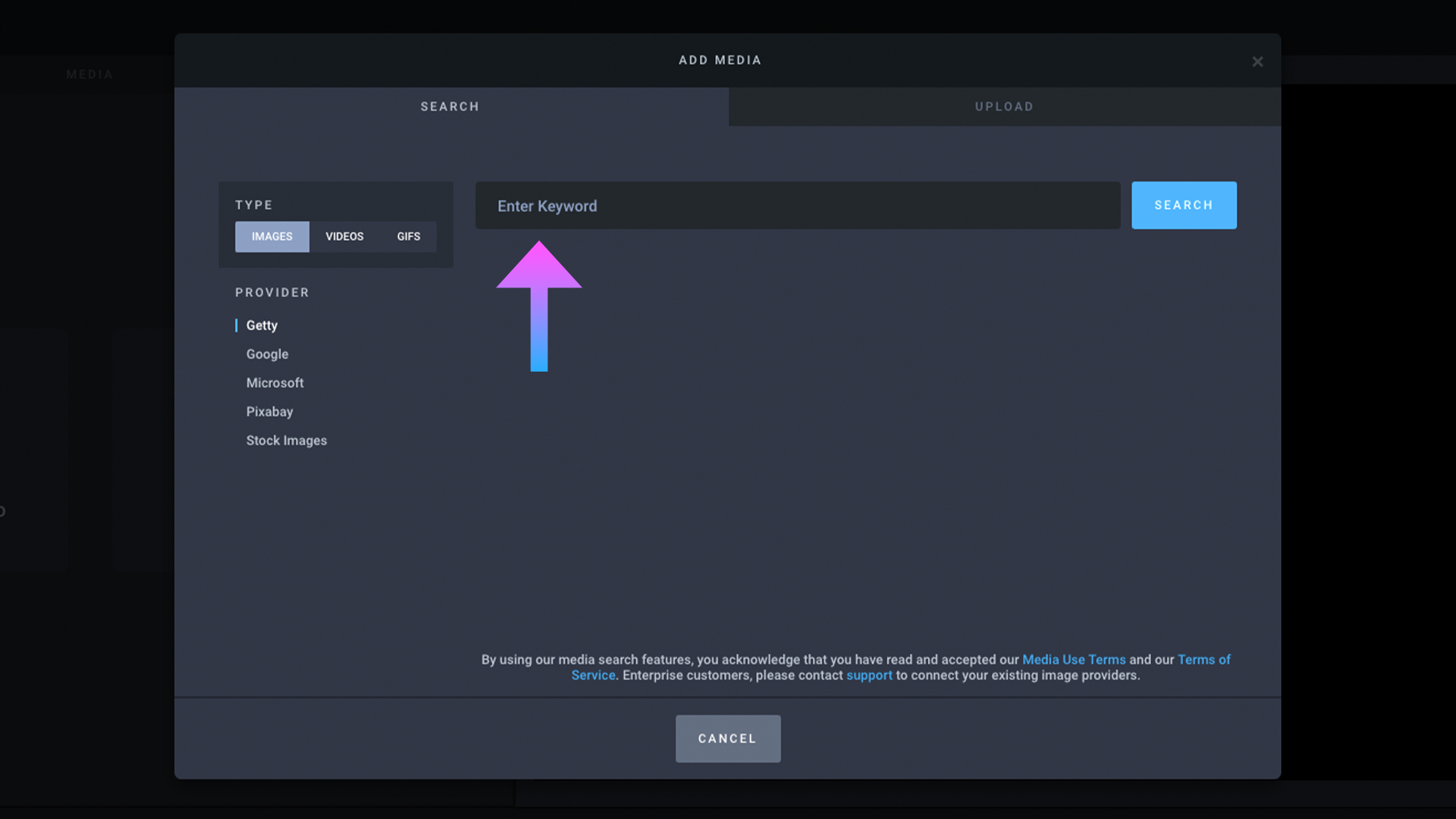
Step 4: Choose an image provider⎯each one has different images (Note: Getty images is only available to Headliner Basic & Pro users)
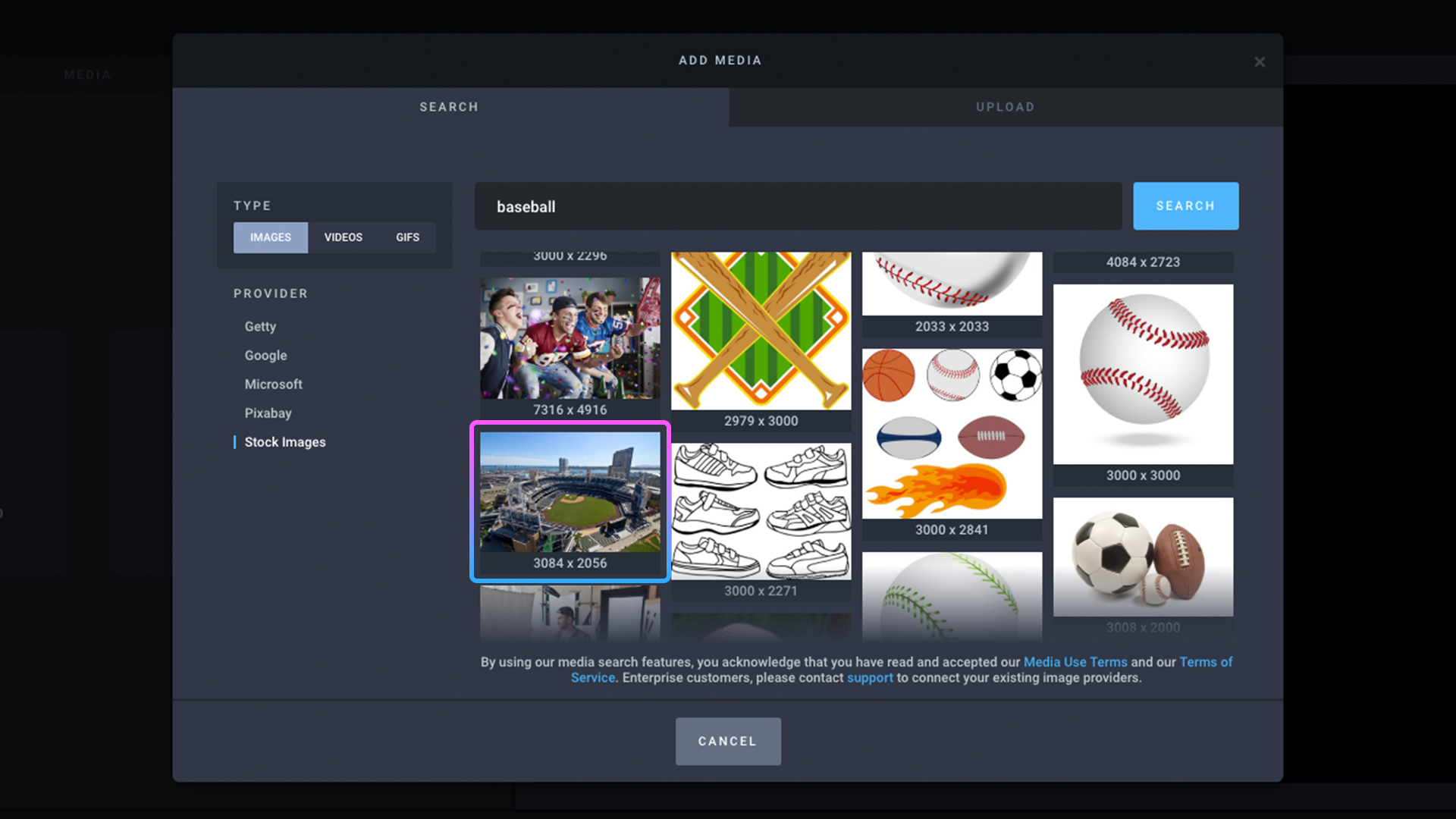
Step 5: Click on an image to select it
Step 6: Click ADD TO VIDEO when you are done cropping

Step 7: Success!
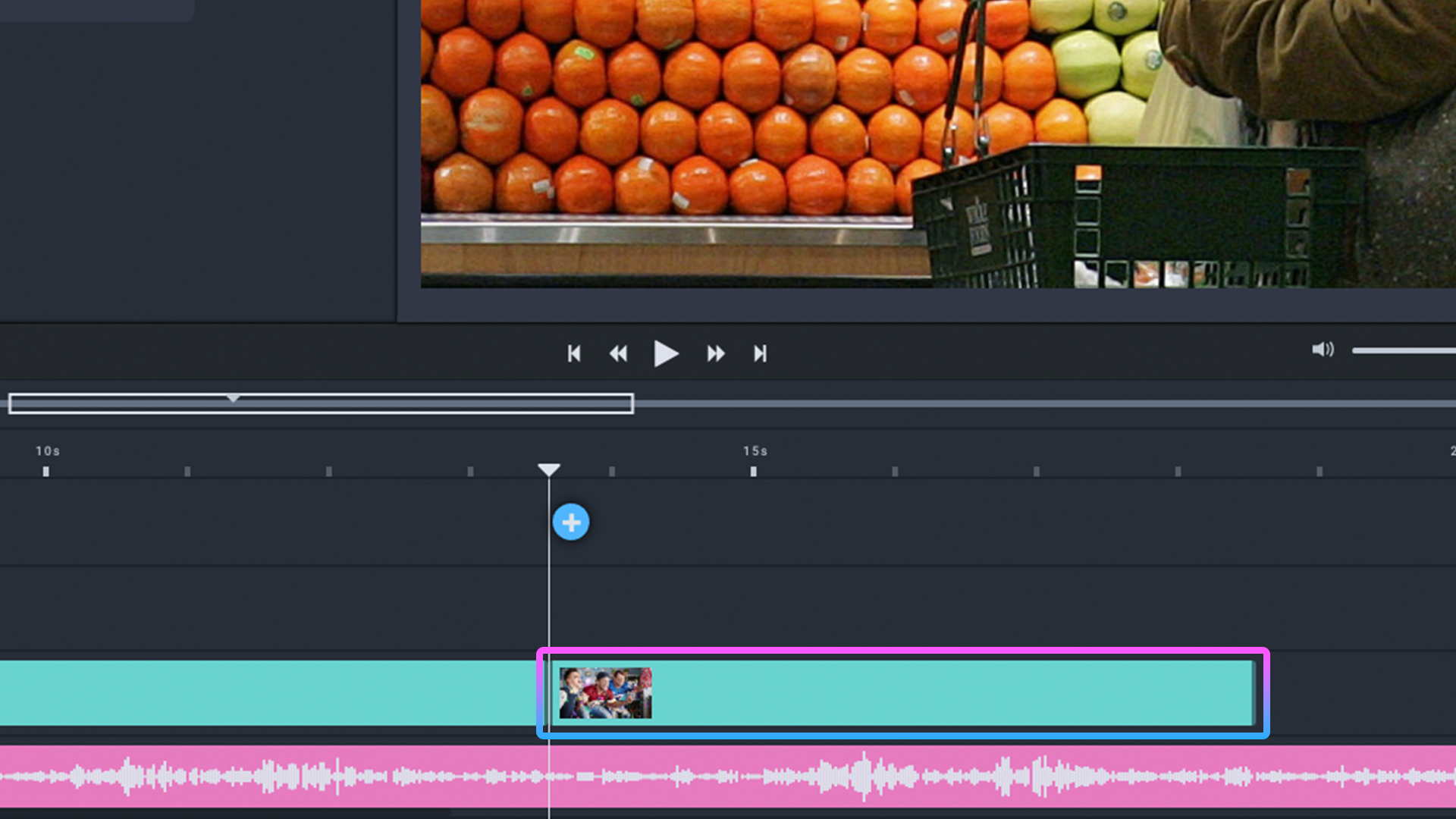
Step 8: To move the image, click on it and drag it to another part of the timeline